Draw along on the whiteboard
Open whiteboard mode on your classroom screen. It shows one step at a time in big text, and a pencil draws each new part in blue. The children copy it on paper.
Show me again replays the step for anyone who missed it.
Put a lesson on the classroom screen and a pencil draws each step, one part at a time. Everyone copies it on paper, and by the end the whole class has drawn a buddy. It is free, it runs in a web browser, and there is no sign-up.
Use one, or mix all three in the same lesson.
Open whiteboard mode on your classroom screen. It shows one step at a time in big text, and a pencil draws each new part in blue. The children copy it on paper.
Show me again replays the step for anyone who missed it.
Press Print in the Colouring Book and choose a sheet. How to draw puts every step on one A4 page with a box to draw in. There is also a tracing sheet and a colouring page.
Every sheet has a space for a name, and none of them need a device in the classroom.
Children follow the lesson on their own: tracing first, then with a dotted guide, then freehand. Read-aloud can read each step to children who are still learning to read.
On a shared device, open Settings and choose Start fresh for the next child.
Tap the buttons to try each level of help
Every buddy has their own step-by-step lesson. Pick one to meet them.

The original!
Simple enough for younger children with the tracing help.
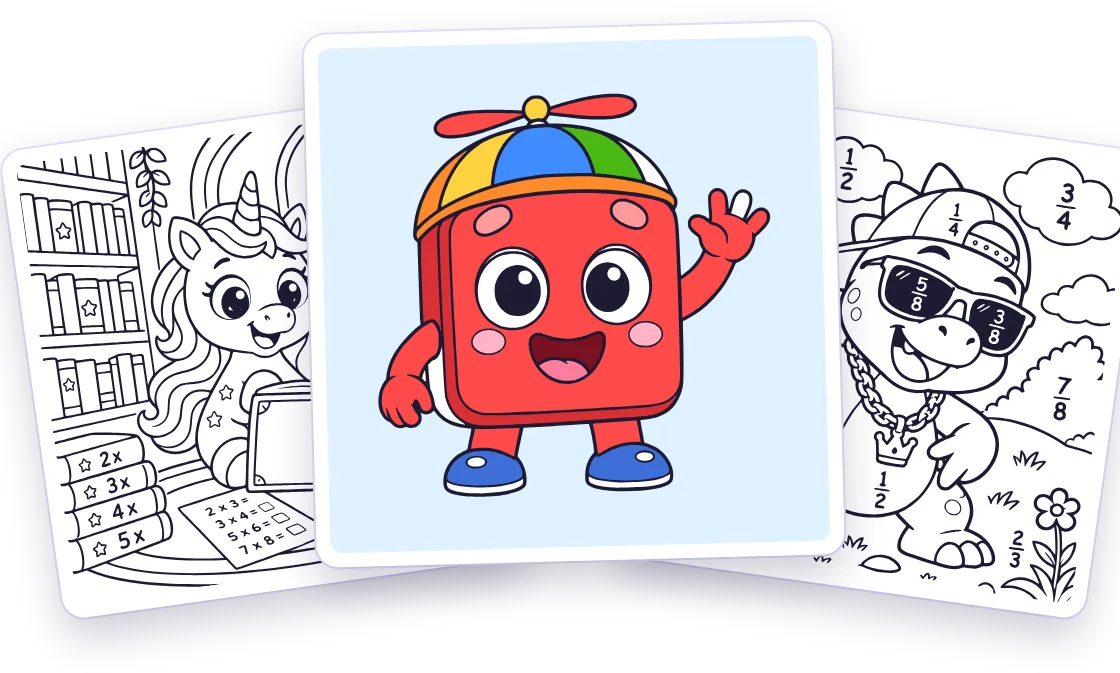
Colour it inUnia’s Times Tables and Dino’s Fractions are busy scenes full of things to colour in, with times tables and fractions hidden in the picture.
Every picture has a colouring page, with shapes that fill in one tap. There is also a blank page with buddy stickers for drawing anything.
One step at a time.
Circles, ovals, squares and curves.
From tracing, to a dotted guide, to freehand.
Remembering the order of the steps.
It isn’t tied to a particular curriculum, so use it wherever it fits your planning.
No accounts, no sign-up and no adverts. Pictures and progress are saved only in the browser on the device being used. Nothing is sent to us or anyone else.
Read-aloud uses voices built into the device. To remove everything from a shared device, open Settings and choose Start fresh for the next child.
Yes. It is free to use on this website. There is nothing to buy, nothing to install and no sign-up.
No. There are no accounts. Pictures and lesson progress are saved only in the browser on the device being used, and nothing is sent to us or anyone else.
A classroom screen with a web browser. The children only need paper and pencils. Open whiteboard mode, and move through the steps with the Next button, the arrow keys or a presentation clicker.
Yes. Press Print in the Colouring Book and choose a sheet: How to draw, a tracing sheet, a colouring page or a child's own picture. Every sheet is A4, with a space for a name.
No. It is a drawing app with the same buddies as our games. Two of the bigger pictures, Unia’s Times Tables and Dino’s Fractions, have times tables and fractions in the scene.
Open whiteboard mode, pick a buddy and press Next. Your class will be drawing in under a minute.
Ideas for new pictures, or something not working? Email support@mathsjumper.com